
Download Driver Store Explorer – driver management, system optimization, Windows driver store, driver cleanup, driver update tool, driver removal utility
Overview
Driver Store Explorer is a specialized utility designed for Windows users aiming to manage, maintain, and optimize their system’s driver storage. Built for both everyday users and IT professionals, it provides a structured approach to handling drivers stored within the Windows Driver Store, a critical component responsible for system hardware compatibility and performance. The app enables users to inspect, update, and safely remove drivers, addressing common issues such as cluttered storage, outdated driver versions, and system instability caused by conflicting or redundant drivers.
Its primary purpose is to offer granular control over the driver environment, allowing users to identify obsolete or duplicate drivers that may consume disk space or lead to system errors. For IT administrators and advanced users, the tool serves as a reliable method for maintaining driver health across multiple machines or during system upgrades. By streamlining driver management, it contributes to a more efficient and stable computing experience, particularly in environments where hardware compatibility and system integrity are paramount.
The developer did not provide additional technical details about the tool’s development background or team. However, its focus on system-level functionality suggests a targeted approach for users seeking deeper access to Windows internals. Real-world use cases include post-upgrade system cleanup, driver troubleshooting, and preparing systems for deployment. In the broader app ecosystem, Driver Store Explorer fills a niche gap by offering a dedicated, free solution for advanced driver management, a task typically handled through complex command-line tools or third-party software.
Key Features & Functionality
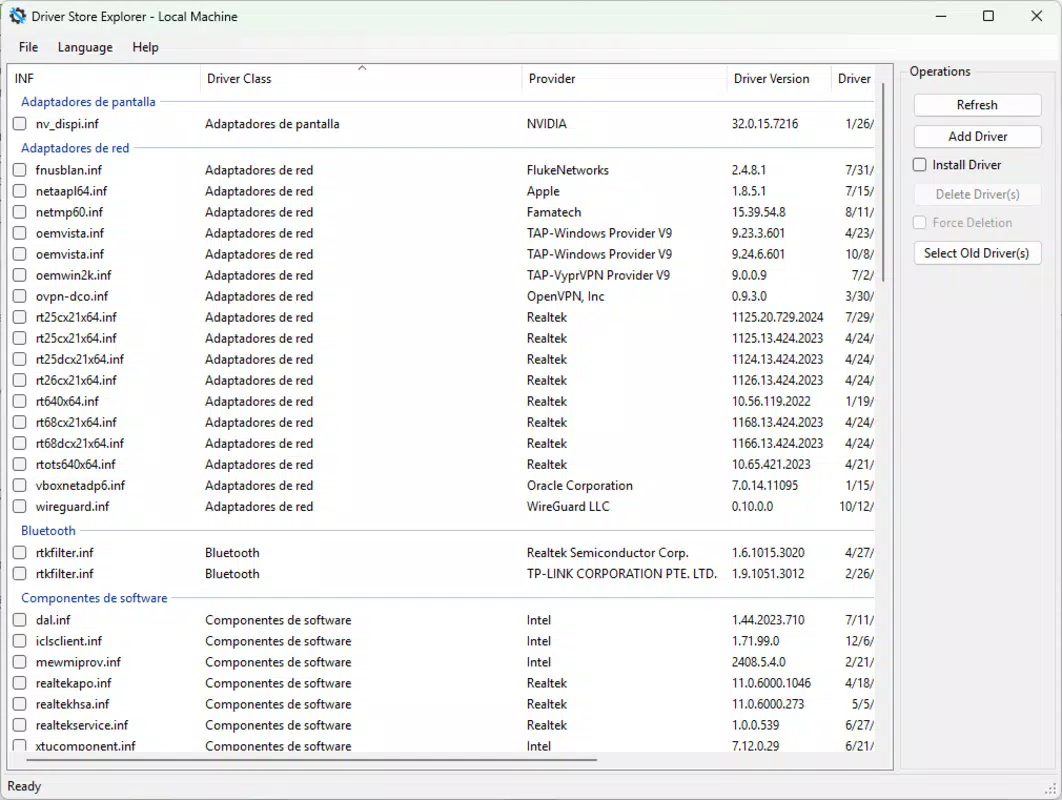
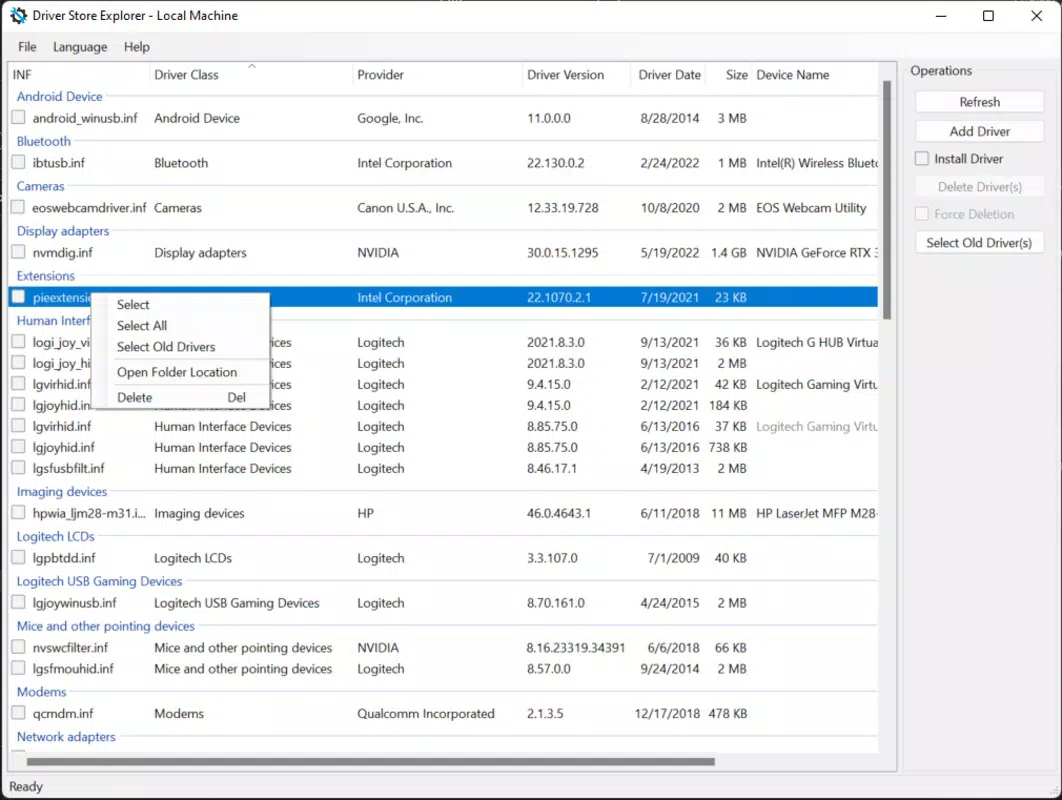
- Detailed Driver Insights: The tool performs a comprehensive scan of the Windows Driver Store, displaying all installed drivers with metadata such as file names, version numbers, and installation dates. This visibility allows users to identify outdated or duplicate drivers that may impact system performance or storage efficiency.
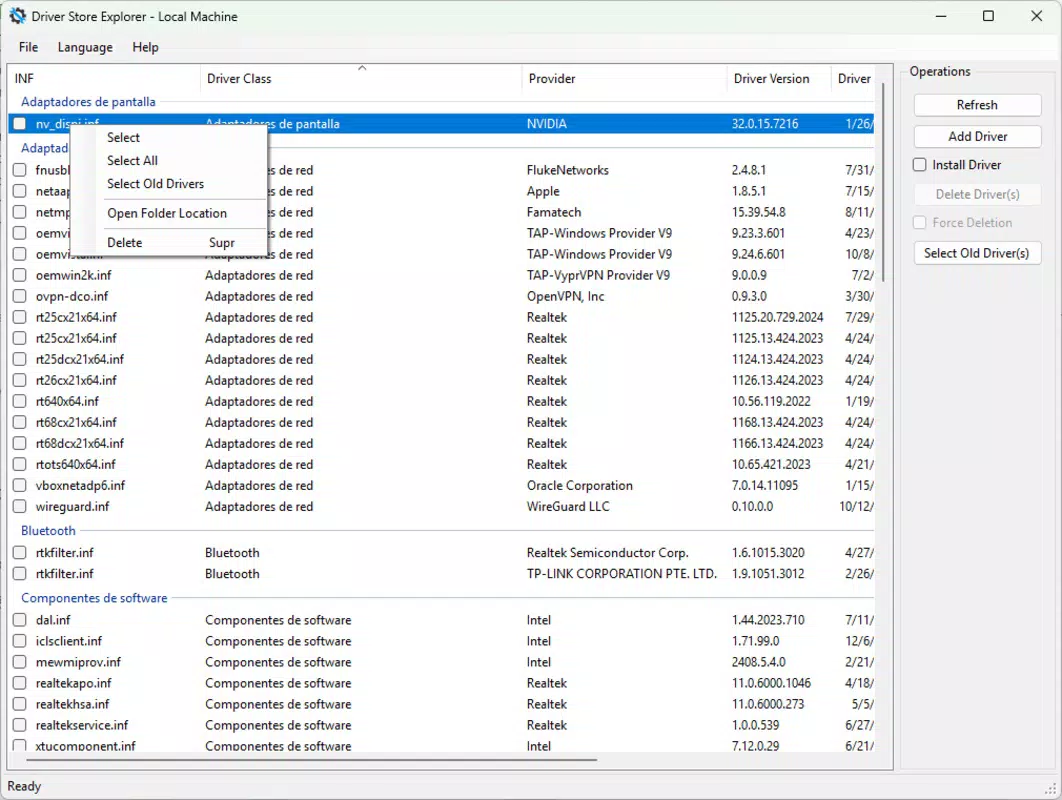
- Safe Driver Removal: Users can selectively remove unused drivers without risking system stability. The application ensures that only drivers not currently in use by active hardware are targeted, minimizing the risk of errors or crashes during removal.
- Easy Driver Updates: The 'Add Driver Package' function simplifies the process of installing or updating drivers. This is particularly useful for IT technicians who need to deploy optimized, hardware-specific drivers without relying on standard Windows update mechanisms.
- Force Delete Functionality: For drivers that resist standard removal methods due to system locks or corruption, the tool offers a 'Force Delete' option. This capability enables users to eliminate problematic drivers that may be causing errors or performance bottlenecks.
Each feature is designed with practicality in mind. For example, during a system migration or upgrade, users can scan the driver store to remove outdated drivers before deployment. IT professionals can use the update function to ensure all machines are running the latest compatible drivers. The force delete option is invaluable when resolving persistent driver conflicts that prevent system boot or hardware recognition. These real-world applications highlight the tool’s value in both personal and enterprise environments.
Interface, UX & Performance
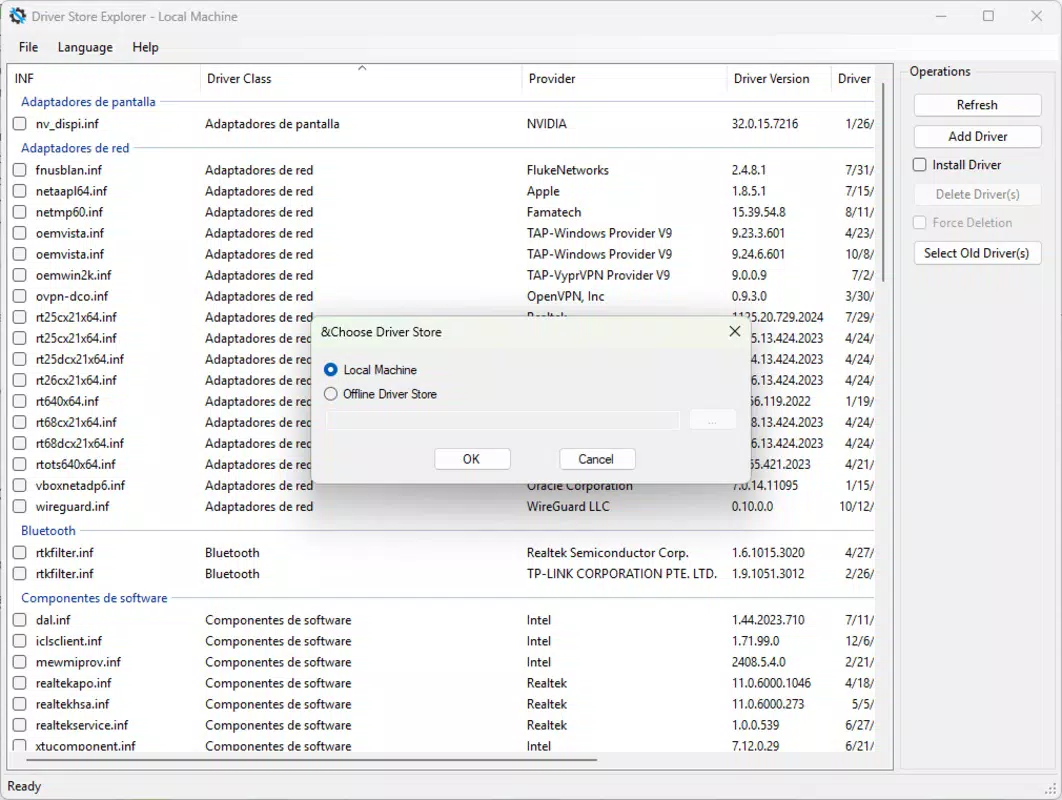
Driver Store Explorer presents a clean, functional interface tailored to system-level tasks. The layout is organized around core actions—scanning, viewing, updating, and removing drivers—ensuring a logical flow for users. Navigation is straightforward, with clearly labeled sections and accessible menus that minimize the learning curve for new users.
The visual style is minimalistic, focusing on readability and data clarity. Information is displayed in structured tables, making it easy to compare driver versions, dates, and statuses. While the tool does not include graphical enhancements or animations, its design prioritizes utility over aesthetics, which is appropriate for its target audience.
Although the developer did not list formal performance metrics, the application operates efficiently within the Windows environment. It runs with low system resource consumption and responds promptly to user actions. Stability appears consistent across different device categories, though specific testing data was not provided. The tool integrates seamlessly with the operating system, avoiding conflicts with standard Windows processes. Responsiveness is maintained even during large-scale scans, ensuring users can interact with the interface without delays.
Platform Compatibility & Technical Requirements
Driver Store Explorer is designed for the Windows platform and is compatible with Windows operating systems. The current version is 1.2.0, with a file size of 3.4 MB, indicating a lightweight footprint suitable for systems with limited storage. The application is available at no cost, making it accessible to a wide range of users.
The developer did not specify minimum OS requirements or compatibility details beyond the platform. As such, users should verify system compatibility with their specific Windows version before installation. While the tool is intended for Windows systems, the exact versions supported were not disclosed. Similarly, no information was provided about hardware requirements or additional dependencies.
Pros and Cons
- Free to download and use
- Lightweight with a small file size
- Offers advanced driver management features
- Designed for both power users and IT professionals
- Provides safe removal and force delete options
- Intuitive interface for system-level tasks
- Compatibility with specific Windows versions not clearly defined
- No official support channels mentioned
- Limited documentation or tutorials provided
- May require technical knowledge for optimal use
- No automatic update notifications or built-in update mechanism
FAQ
Is Driver Store Explorer safe to use?
Yes, the tool is designed to operate within the Windows Driver Store and includes safeguards such as safe removal and dependency checks. However, users should exercise caution when deleting drivers, especially on systems with critical hardware.
Can I use Driver Store Explorer on older Windows versions?
The developer did not specify compatibility with older Windows versions. Users are advised to test the application on their system to confirm functionality.
Does Driver Store Explorer automatically update drivers?
No, the tool does not include automatic driver updates. Users must manually add or install new driver packages using the 'Add Driver Package' feature.
Is there a mobile version of Driver Store Explorer?
No, the application is designed exclusively for Windows desktop systems and is not available on mobile platforms such as Android or iOS.
How often should I scan my driver store?
There is no fixed schedule. Users may benefit from scanning after major system updates, hardware changes, or when experiencing performance issues related to drivers.
Final Thoughts
Driver Store Explorer stands out as a focused, efficient tool for users who need precise control over their Windows driver environment. Its ability to inspect, update, and safely remove drivers makes it a valuable asset for maintaining system stability and performance. While it requires some technical awareness, its clean interface and well-structured features make it accessible to intermediate users. The fact that it is free and lightweight enhances its appeal, particularly for IT professionals managing multiple systems.
For anyone dealing with driver clutter, compatibility issues, or system instability, this utility offers a reliable solution. Whether used for routine maintenance or troubleshooting, it delivers tangible benefits without unnecessary complexity. Its niche focus and practical functionality position it as a must-have tool in the Windows system optimization toolkit.
Download Driver Store Explorer now


